
 Certified Hotels
 How TrustPaws Certification Works — 7 Simple Steps
 Start Certification
  Book a 15-min Q&A


 Certified Hotels

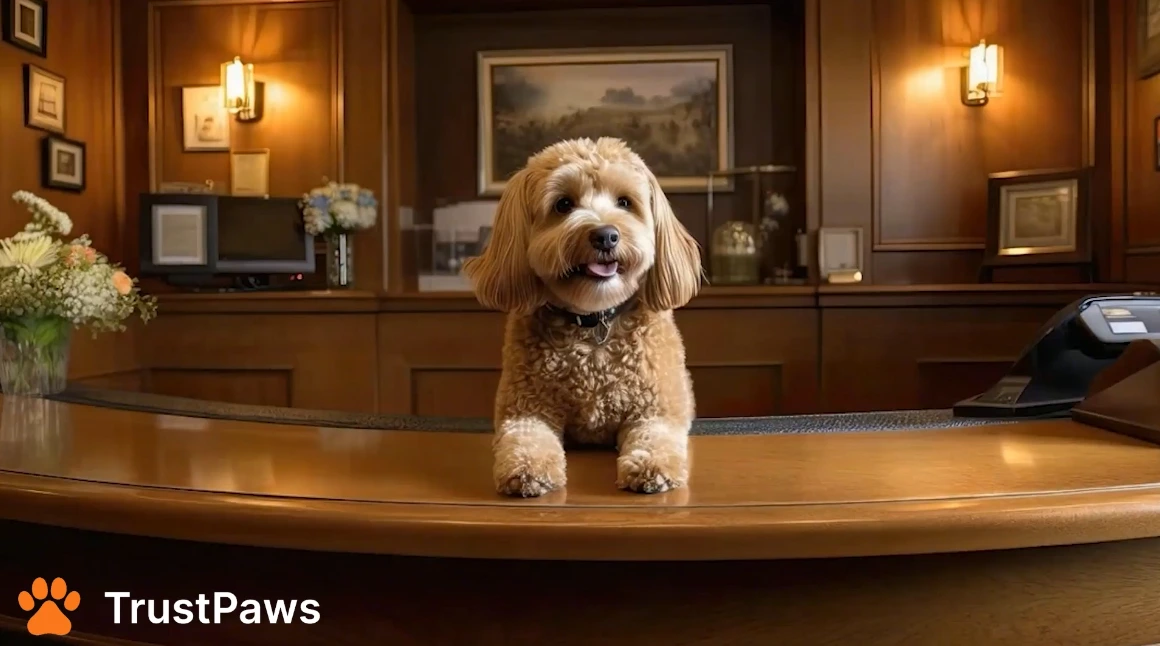
See certification, QR menus, and training working together.


Tell us about your property and point of contact. You’ll receive a Certification ID and dashboard access.
What you’ll need: property name, address, manager contact, website links.

Answer structured questions covering amenities, policies, safety, and guest communication. Upload evidence where requested (photos/pdfs are fine).

If your package includes verification, choose one:

Secure checkout to finalize your submission. A paid submission moves to review.

Get your digital badge and a live profile update. Your listing appears in “Certified Hotels.”

We ship three sizes (6×6, 10×10, 15×15) matching your paw rating and printing the current year.
Tracking details are emailed once dispatched.

Place your free QR kit—guests scan and book pet services in two taps; scans and earnings appear in your dashboard.